
Color Scheme Extractor
- Extension
- Developer Tools
- Free
The palette, with each color's value, role, and copy buttons
Overview
Get the color palette of any website, check its contrast against WCAG, and export the colors as CSS variables or design tokens.
Color Scheme Extractor shows you the colors a website uses and what each one is for, such as the main brand color, backgrounds, text, and links.
Open it on a page and click Analyze to see the palette, the page's CSS variables, and contrast results, then copy or export what you need. The analysis runs in your browser and only starts when you click Analyze.
What you can do
- Find the colors used in backgrounds, text, links, buttons, borders, SVGs, and CSS variables
- Group similar shades so the palette is easier to read
- Label each color by its role, such as primary, accent, background, text, link, border, error, or success
- List the CSS variables the page defines
- Check WCAG contrast for each text and background pair
- Copy any color as HEX, RGB, HSL, or a CSS variable
- Export to CSS, SCSS, or LESS variables, JSON or Figma tokens, or an SVG palette
- Keep recent analyses and favorite colors on your computer
- Use the popup in a light or dark theme, or match your system
- Point at any element on the page to see its colors
How to use it
- Go to the website you want to inspect
- Open Color Scheme Extractor from the Chrome toolbar
- Click Analyze
- Copy or export the colors and tokens you need
Details
- Updated
- Jun 28, 2026
- Offered by
- Edson Mark
- Category
- Developer Tools
- Price
- Free
Privacy
Color Scheme Extractor analyzes pages in your browser. It never sends page content, colors, browsing history, settings, or favorites to a server. Your settings, recent analyses, and favorites are saved in Chrome's storage on your computer.
Permissions it asks Chrome for
- activeTab
- Lets the extension read the current tab when you open it and click Analyze.
- scripting
- Runs the color scanner and element inspector on the current tab, only after you click Analyze or turn on the inspector.
- storage
- Saves your settings, recent analyses, and favorite colors on your computer.
- tabs
- Reads the current tab's address, title, and icon so the popup can show which page you're analyzing and label it in your history.
- host permissions (<all_urls>)
- Lets the scanner work on any site you choose to analyze. It never runs on its own.
Related
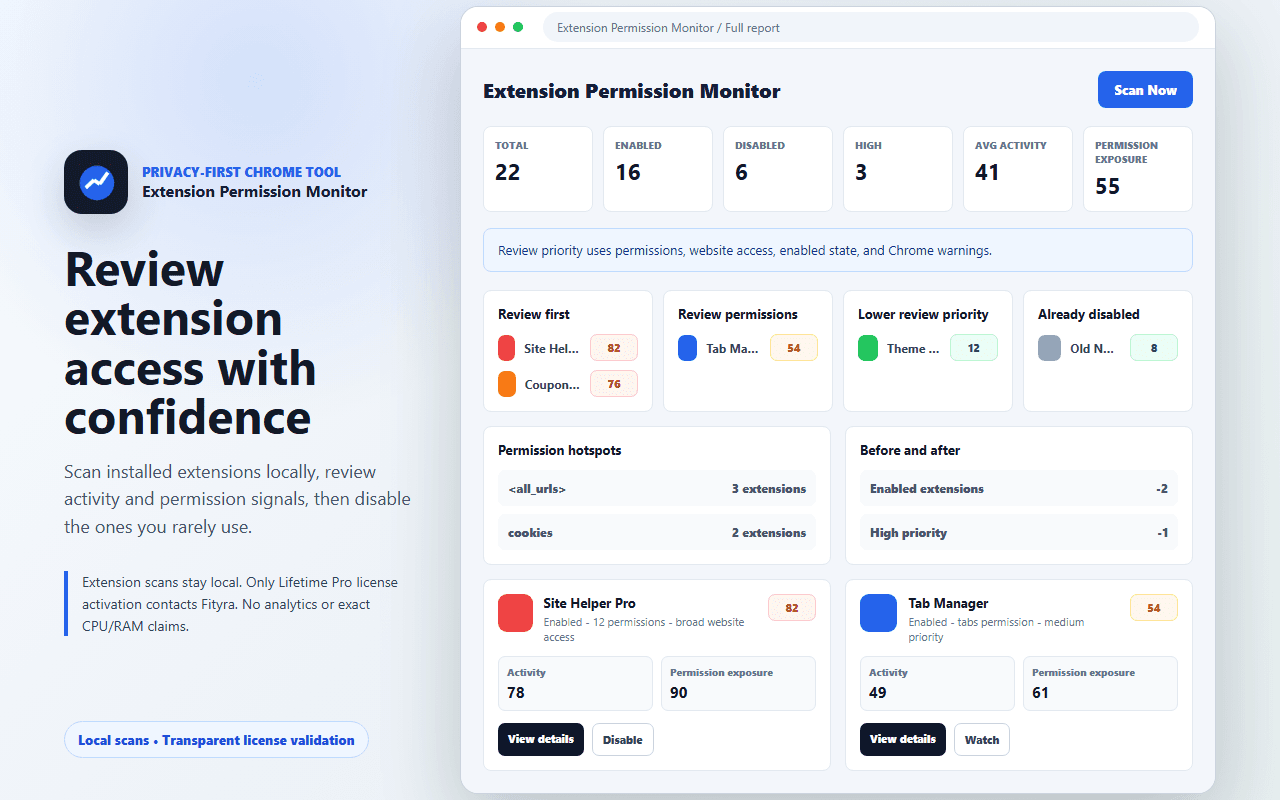

Extension Permission Monitor
Free
See what each of your installed extensions is allowed to do, explained in plain language, and turn off the ones you don't need.
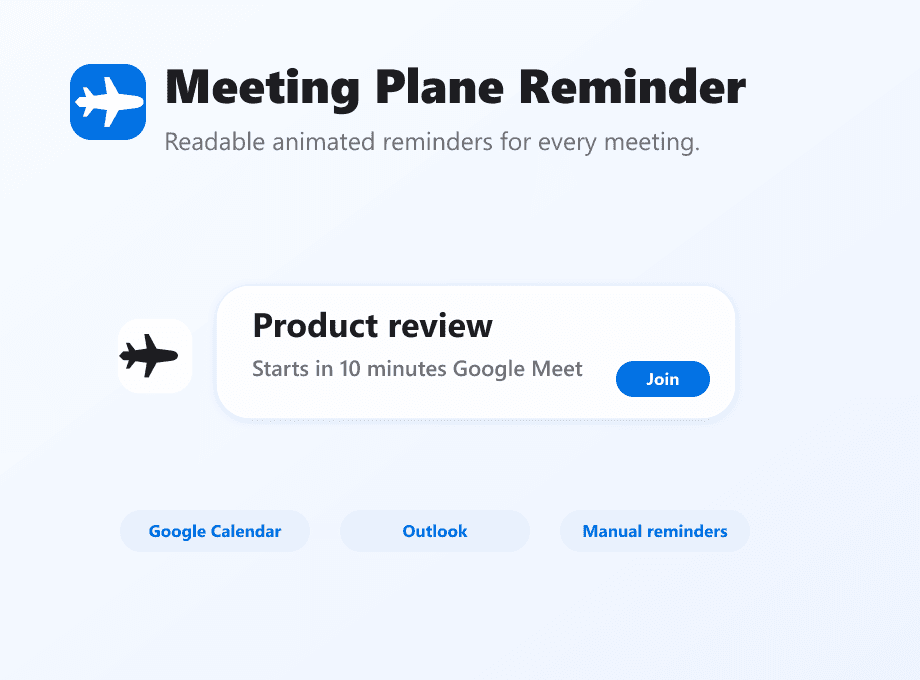

Meeting Plane Reminder
Fityra team only
Shows an animated reminder on whatever page you're on when a meeting is about to start. Works with Google Calendar and Outlook.
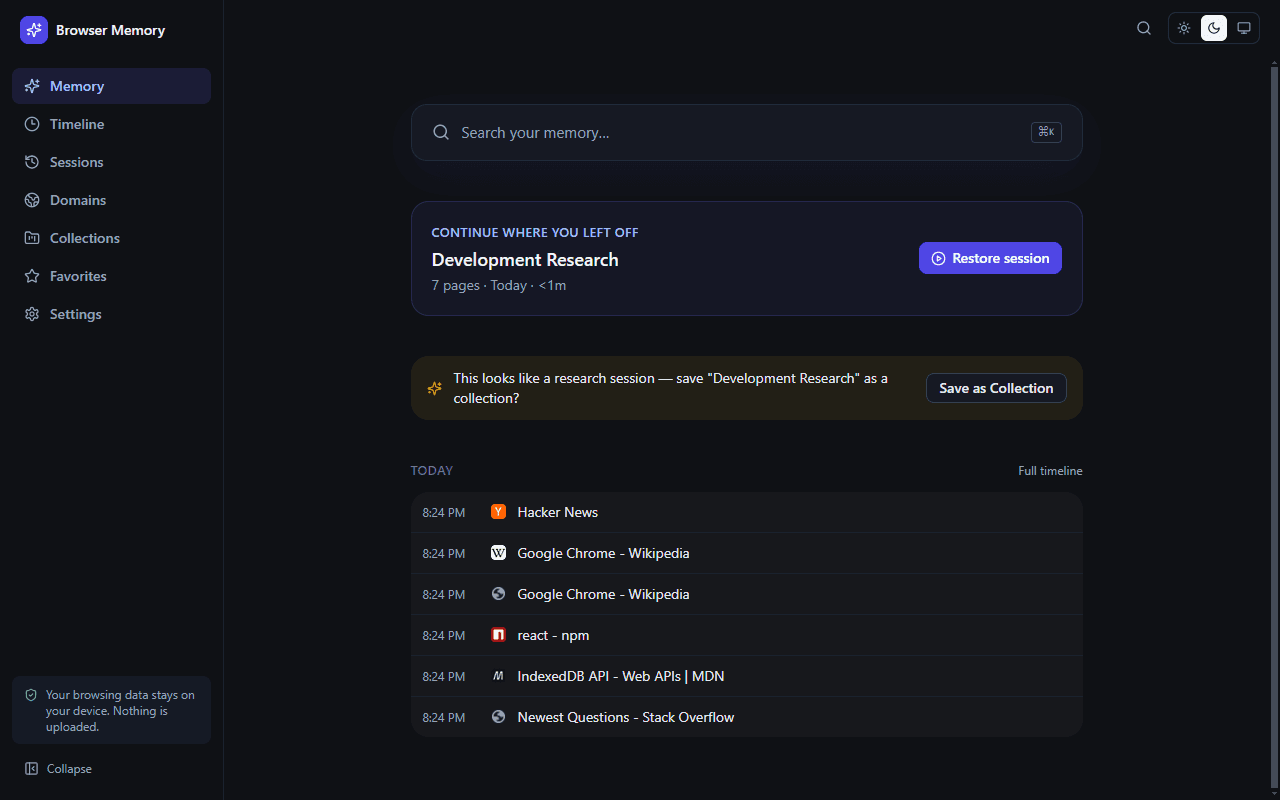

Browser Memory — Smart History
Not in the Chrome Web Store yet
Replaces Chrome's history page with one you can actually search, grouped by day, browsing session, and website. Your history stays on your computer.