
Extension Permission Monitor
- Extension
- Developer Tools
- Free
The popup, with scan results and review priority
Overview
See what each of your installed extensions is allowed to do, explained in plain language, and turn off the ones you don't need.
Extension Permission Monitor lists every extension you have installed and explains what each one is allowed to do, such as reading the sites you visit or changing your downloads.
It points out the extensions with the broadest access so you know where to look first, and lets you turn any of them off, with an undo if you change your mind. The scan runs on your computer, and your list of extensions is never sent anywhere.
What you can do
- Scan every installed extension in one click, with an automatic check once a day
- Read what each permission allows in plain language instead of Chrome's API names
- See which extensions to review first, ranked by how much they can access
- Turn extensions off or back on, with a confirmation and an undo
- Look back at your scans from the last 24 hours
- Search, filter, and sort by review priority, status, or number of permissions
Details
- Updated
- Jun 20, 2026
- Offered by
- Edson Mark
- Category
- Developer Tools
- Price
- Free
Privacy
Scans run entirely in your browser. Your list of extensions, your notes, and your scan history are never sent to a server. There are no ads or analytics, and your browsing history isn't collected. If you activate Lifetime Pro, only your license key and the product ID are sent to Fityra to check the license.
Permissions it asks Chrome for
- management
- Reads the list of installed extensions with their permissions, site access, version, and whether each is turned on. Also turns an extension off or on when you ask it to, after you confirm.
- storage
- Saves scan results, history, notes, watchlist labels, and settings in Chrome's storage on your computer. Nothing is synced.
- alarms
- Runs the same scan about once a day in the background, so you find out about permission changes even if you don't open the extension.
- https://extensions.fityra.app/*
- Contacted only when you enter a Lifetime Pro license key, to check it. No scan data is sent.
Related
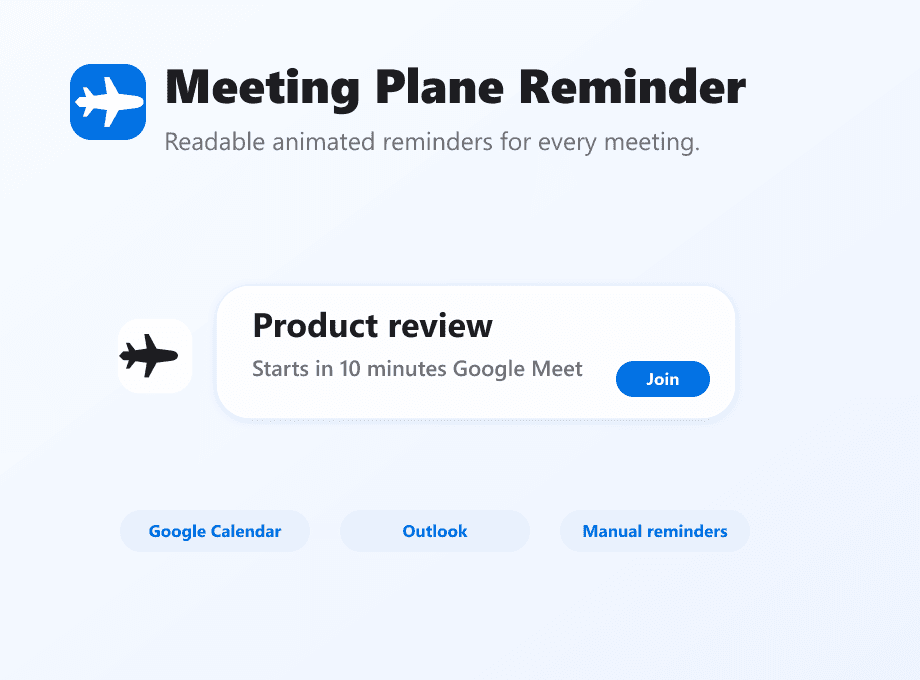

Meeting Plane Reminder
Fityra team only
Shows an animated reminder on whatever page you're on when a meeting is about to start. Works with Google Calendar and Outlook.
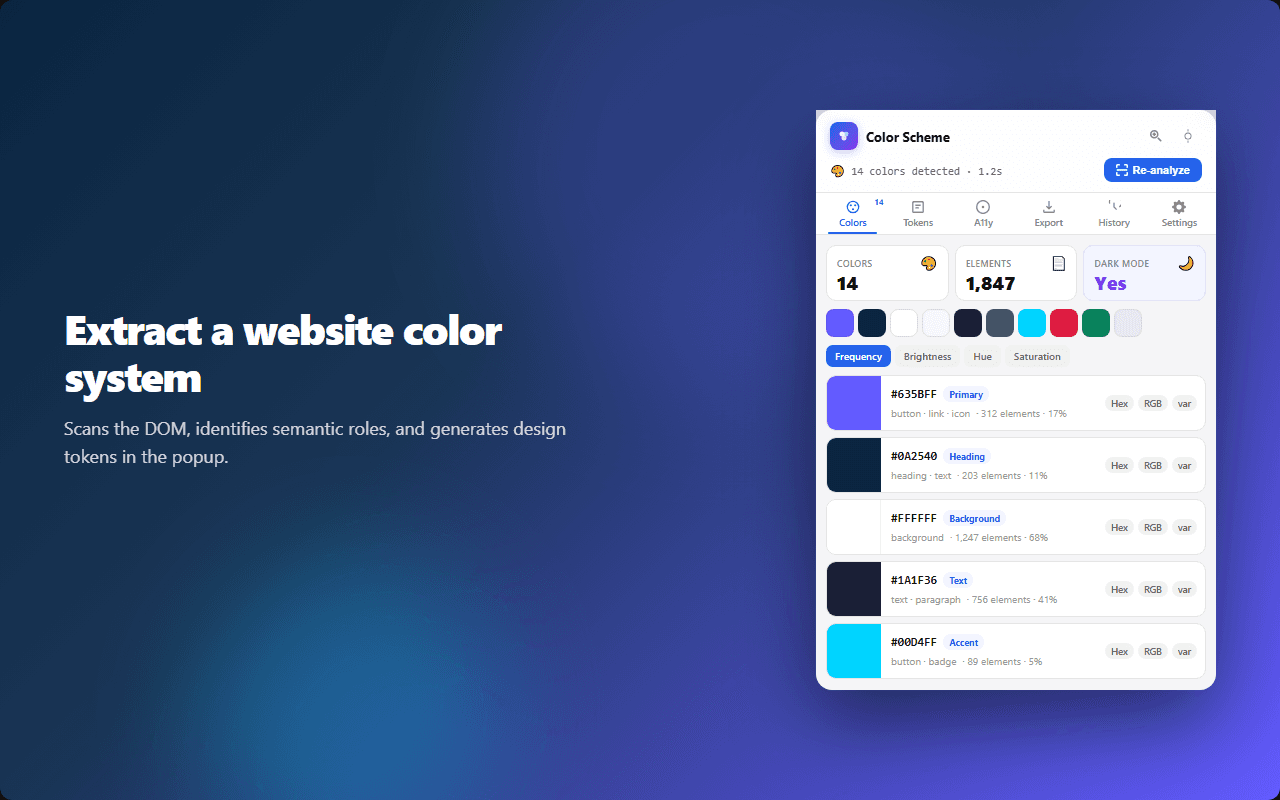

Color Scheme Extractor
Free
Get the color palette of any website, check its contrast against WCAG, and export the colors as CSS variables or design tokens.
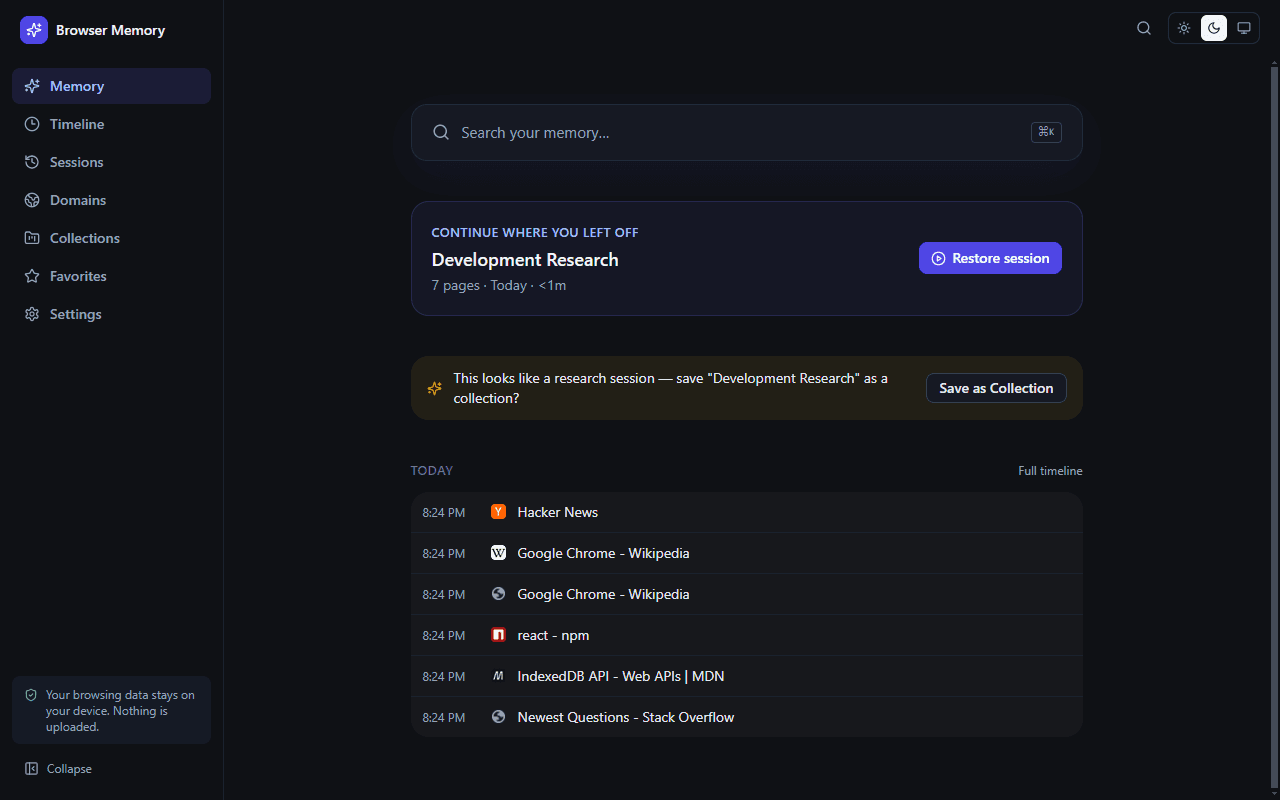

Browser Memory — Smart History
Not in the Chrome Web Store yet
Replaces Chrome's history page with one you can actually search, grouped by day, browsing session, and website. Your history stays on your computer.