
Browser Memory — Smart History
Not in the Chrome Web Store yet
- Extension
- Productivity
- Not in the Chrome Web Store yet
Home, with a place to pick up where you left off and today's timeline
Overview
Replaces Chrome's history page with one you can actually search, grouped by day, browsing session, and website. Your history stays on your computer.
Browser Memory replaces Chrome's history page with one that makes things easier to find. Instead of one long list of links, your history is grouped by day, by browsing session, and by website. You can also star pages, add notes, and save pages into collections.
A new session starts whenever you take a break, and each one gets a title based on the sites in it, like "Development research". There's no server, account, cloud sync, or AI involved, and your history never leaves your computer.
What you can do
- See every page you visited, grouped by day, with a date filter
- Browse by session, with each sitting titled after the sites in it
- See every website you visited, ranked by activity, and reopen all its pages at once
- Search across page titles, links, websites, and your notes
- Star pages to find them again quickly
- Add a note to any page in your history
- Group related pages into your own collections
- Export sessions, collections, or search results as CSV or JSON
Details
- Updated
- Jul 10, 2026
- Offered by
- Edson Mark
- Category
- Productivity
- Price
- Free
Privacy
Browser Memory runs entirely on your computer. There's no server, account, cloud sync, or AI service, and your history never leaves your device. Favorites, notes, collections, and settings are stored in your browser's local database and are never synced.
Permissions it asks Chrome for
- history
- Reads your Chrome history to build the timeline, sessions, websites, and search. It's never sent anywhere.
- storage
- Keeps a small amount of extension state. Your saved pages and notes are stored separately in the browser's local database.
- tabs
- Opens pages and restores whole sessions of tabs when you ask it to.
- favicon
- Shows each site's icon from Chrome's own icon cache, without loading images from the web.
- activeTab
- Gives access to the current tab only at the moment you press the settings shortcut.
- scripting
- Opens a small settings panel on the current page when you press the shortcut. Nothing runs on pages automatically.
- chrome_url_overrides.history
- Replaces Chrome's built-in history page with Browser Memory.
Related
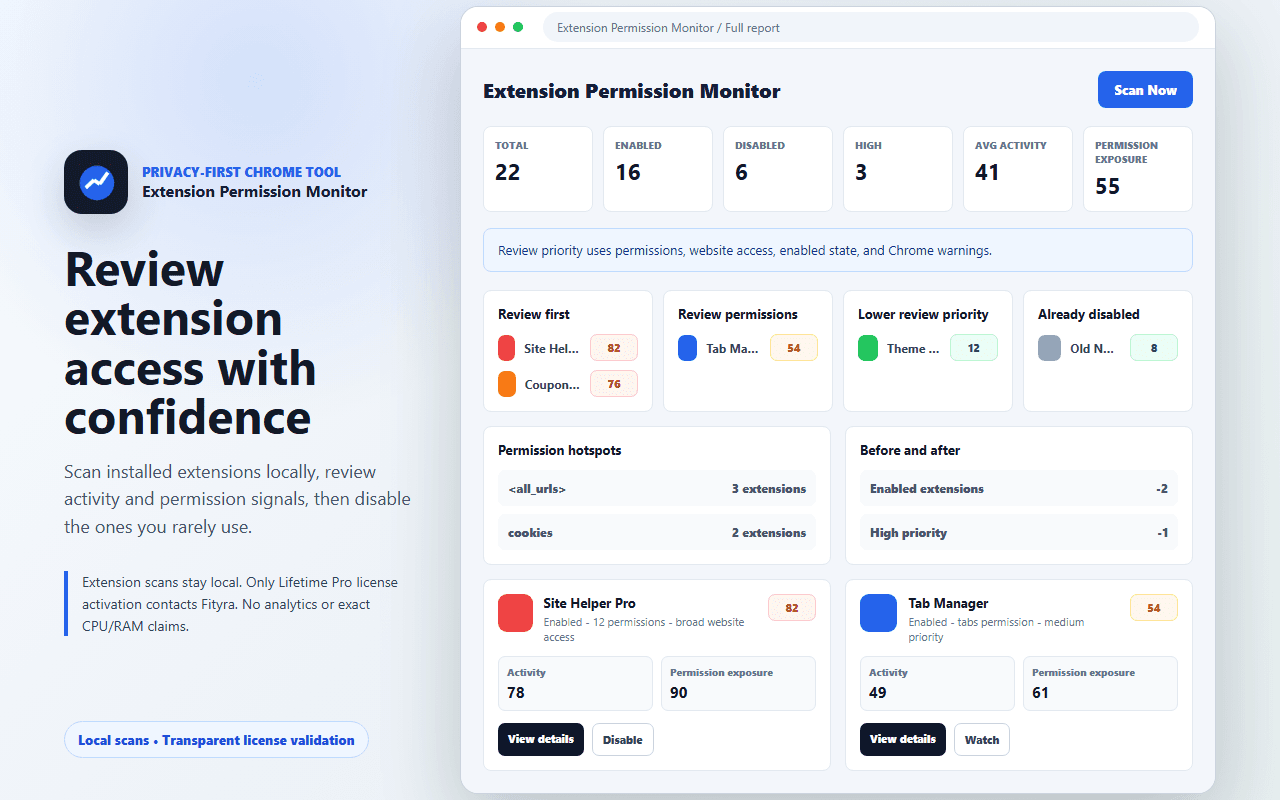

Extension Permission Monitor
Free
See what each of your installed extensions is allowed to do, explained in plain language, and turn off the ones you don't need.
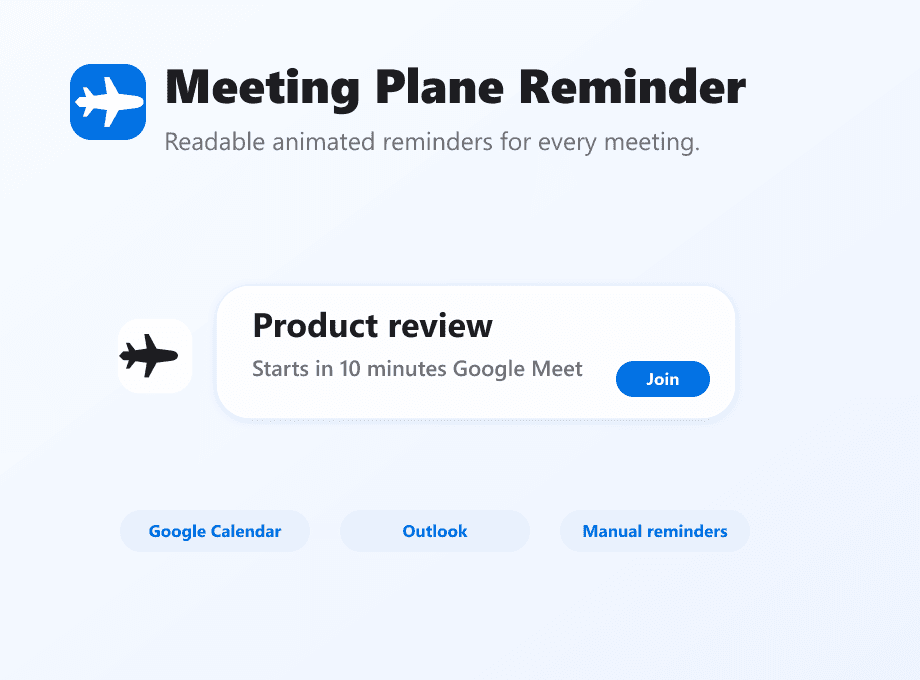

Meeting Plane Reminder
Fityra team only
Shows an animated reminder on whatever page you're on when a meeting is about to start. Works with Google Calendar and Outlook.
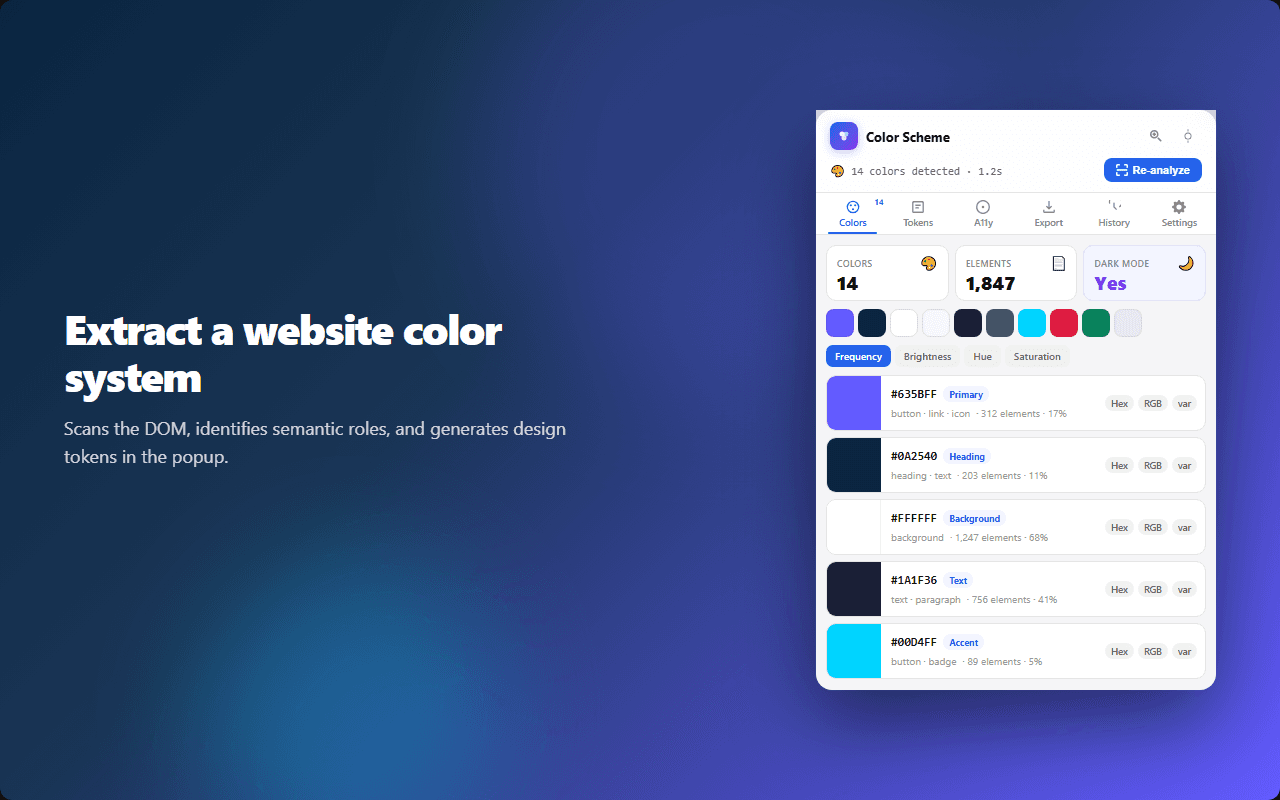

Color Scheme Extractor
Free
Get the color palette of any website, check its contrast against WCAG, and export the colors as CSS variables or design tokens.